
Skip to content

Fix4You Cellular blog

Guides for common phone and tablet problems

Learn what to check first, what to avoid and what to ask before a repair.

Which guide do you need?

Each guide covers one common problem: what to check first, what to avoid and when to stop and bring the device in. The checks follow the manufacturers’ own advice from Apple Support, Samsung Support and Google’s Android Help, and each guide links to the pages it draws on, so you can read the source yourself.

Troubleshooting3 min read

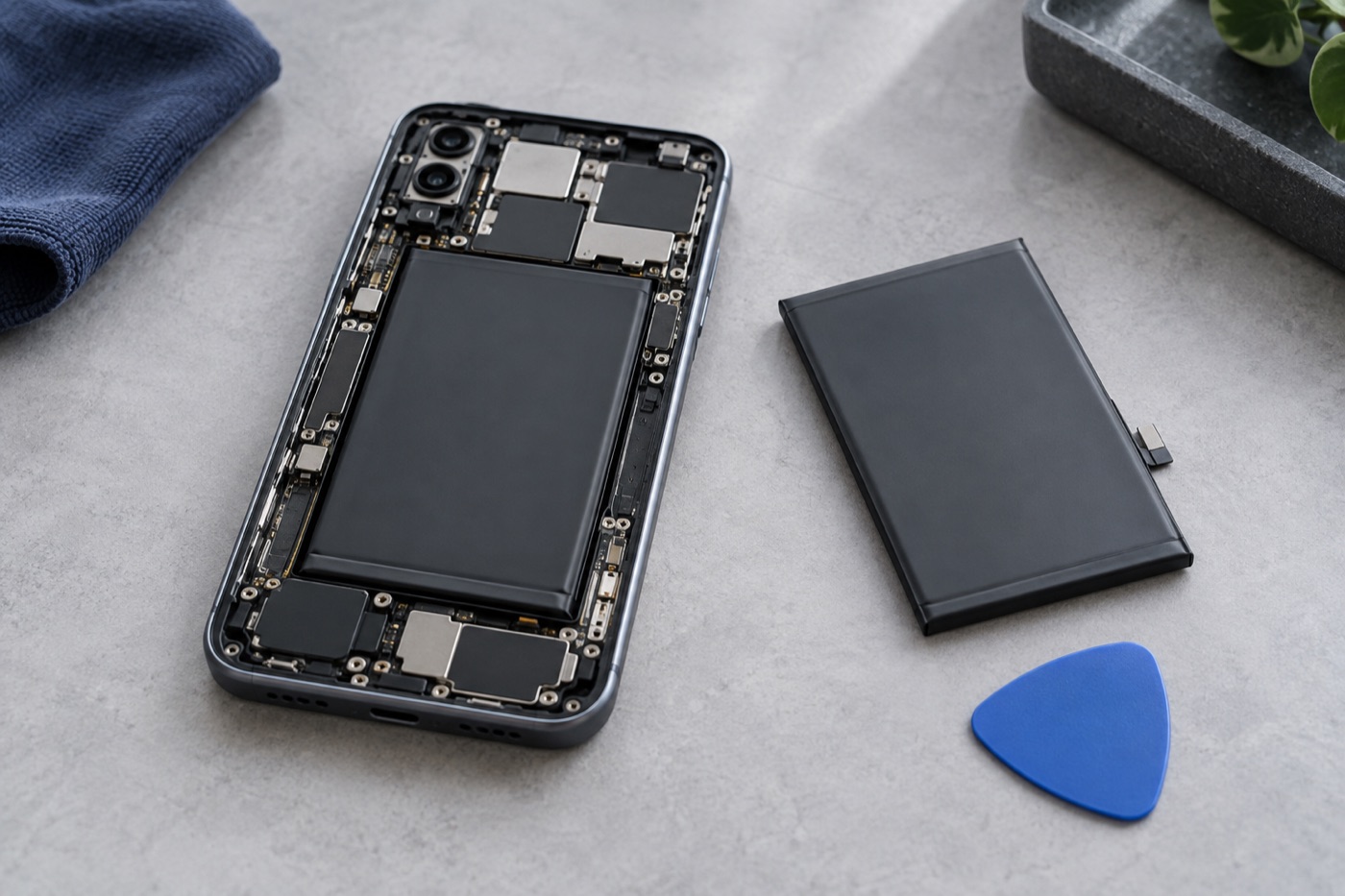
iPhone battery draining? What to check

A fast-draining iPhone battery doesn’t always need replacing. Check which apps use the most power, look at Battery Health, install any waiting update and change one setting at a time. If the phone is swollen or the battery still runs out fast, bring it to one of our Vancouver stores for a free diagnosis.

Read the guide →


Troubleshooting2 min read

iPhone won’t turn on? Try these checks

If your iPhone won’t turn on, first check it isn’t wet, hot or swollen. If it’s dry and undamaged, try a force restart for your model, then charge it from a wall outlet for an hour. Still black after that? Stop trying and bring it to one of our Vancouver stores for a free diagnosis.

Read the guide →

Troubleshooting2 min read

iPhone rings but the screen is black?

If your iPhone rings or vibrates but the screen stays black, it’s switched on, so the display may be the problem. If the phone is dry, start with a force restart. Don’t press the edges or reset it. If the screen stays black, bring it to one of our three Vancouver stores for a free diagnosis.

Read the guide →

Troubleshooting2 min read

iPhone apps crashing? What to try first

If an iPhone app keeps closing or won’t open, note which apps are affected, then close the app, restart the phone and install any updates. Check your storage before deleting anything, and protect the app’s data before you reinstall it. If several apps keep crashing, bring your iPhone in for a free check.

Read the guide →
Troubleshooting4 min read

Lost or stolen iPhone? What to do first

Lost your iPhone? Use Find My on another device or at icloud.com/find to locate it, then turn on Lost Mode. Call your carrier to suspend your line, secure your Apple Account, and erase the phone only as a last step. If someone stole it, don’t chase it yourself. Report it to the police.

Read the guide →
Troubleshooting2 min read

Galaxy camera problems? Try these checks

Blurry photos, a black preview or a camera error on your Samsung Galaxy? Clean the camera glass, restart the phone and install updates, then test the camera in another app. Samsung suggests clearing the Camera app’s data before anything drastic. If it started after a drop, bring it in for a free diagnosis.

Read the guide →

Troubleshooting2 min read

iPad screen flickering? What to try first

If your iPad screen flickers, note when it happens and film it if you can. Turn off automatic brightness for a while, then restart the iPad. Don’t press on the screen or warm it to test it. If it keeps flickering, or the screen is lifting, bring your iPad to one of our stores for a free diagnosis.

Read the guide →
Repair guides3 min read

Should I replace my iPad battery myself?

Replacing an iPad battery yourself is risky: Apple warns that opening an iPad may damage it or hurt you, and says only a trained technician should repair its battery. Check that the battery is really the problem first, and compare the full cost of a kit with a repair. Diagnosis at our stores is free.

Read the guide →
Repair guides2 min read

iPhone XS Max screen repair: what to ask

Cracked iPhone XS Max screen? Tell us everything that isn’t working, not just the glass, and ask which replacement screen your quote includes and how it compares with the original. A new screen won’t fix Face ID on its own. Weigh the total repair price against another phone before you decide.

Read the guide →

Still not working? Diagnosis is free.

Walk into any of our three Vancouver stores, no appointment needed, or ask about courier pickup for your address. We’ll confirm any courier fee before pickup and agree on the repair price before work starts.

Open 7 days a week · Three Vancouver stores