iPhone apps crashing? What to try first
If an iPhone app keeps closing or won’t open, note which apps are affected, then close the app, restart the phone and install any updates. Check your storage before deleting anything, and protect the app’s data before you reinstall it. If several apps keep crashing, bring your iPhone in for a free check.

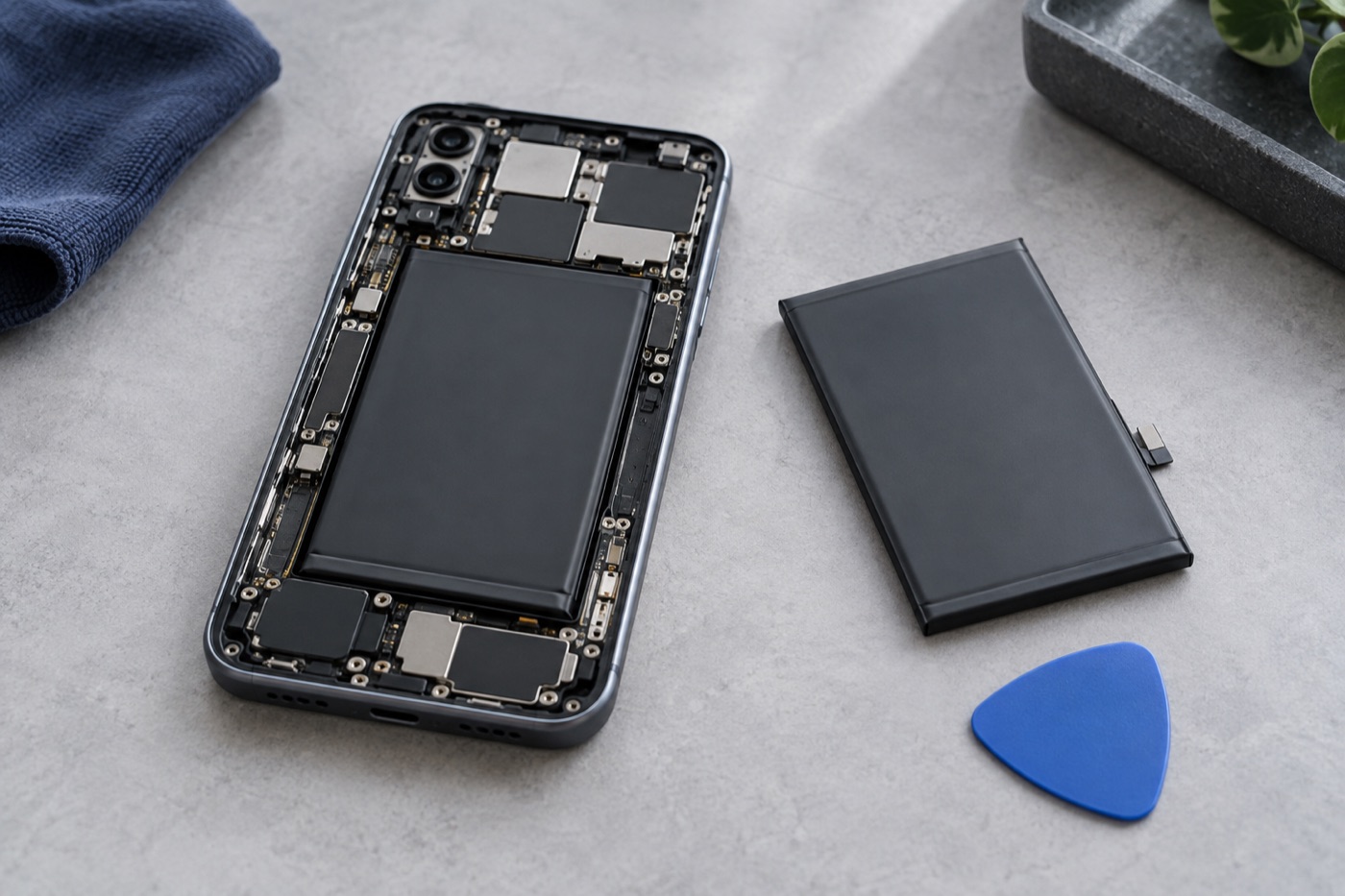
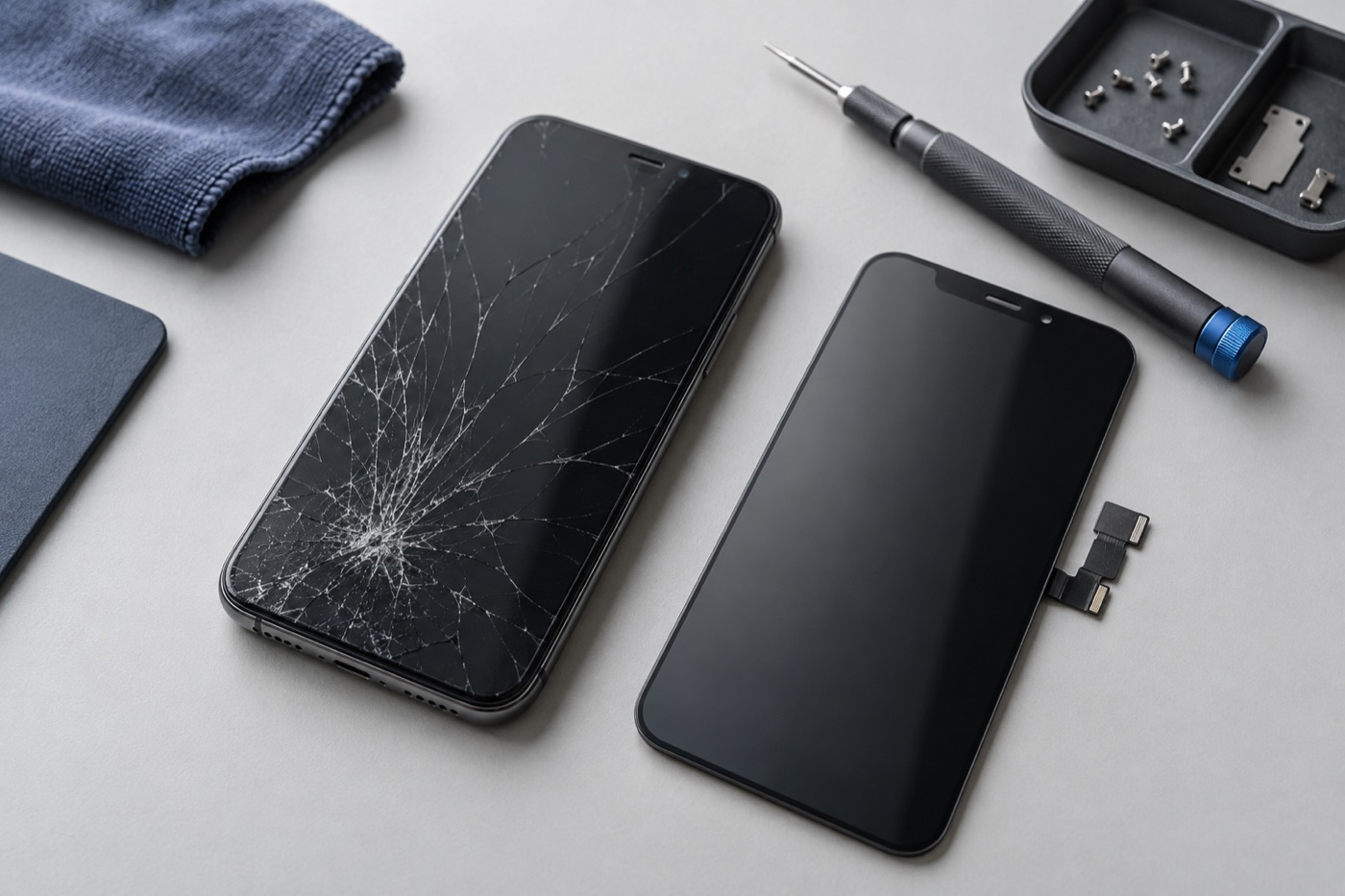
For illustration only
Which apps are affected?
Before you change anything, write down which app closed and what you were doing when it happened. Then see whether other apps are closing too. One app usually points to the app, while several often point to the phone. Those notes help if you contact the app’s developer or bring your phone to us.
Have you closed, restarted and updated?
Close the app and open it again. Still closing? Restart your iPhone. Next, open the App Store, tap your profile icon, then tap App Updates. No update for that app? Check Settings for an iPhone software update instead. Try the app again after each step, so you know what helped.
Is your iPhone running out of storage?
An almost full iPhone can make apps close. Open Settings, tap General, then tap iPhone Storage, and read the recommendations there before you remove anything. If you move photos or files somewhere else, make sure the copy is complete before you delete the originals, so nothing is lost.
Should you reinstall the app, or get help?
You can delete the app and download it again from the App Store. First, check its backup, account and recovery options, because deleting an app can wipe data that lives only inside it. Use it for work, banking or access codes? Make sure you can sign back in before you delete it.
One app still closing after all that, or you’d rather not delete it? Contact its developer. Bought it recently and don’t want it anymore? You can ask Apple for a refund. But if several apps keep closing, bring your iPhone to us. The same goes if it shuts down on its own, gets hot or got damaged recently. We’ll check it and explain what we find before any repair.
If you can, back up your iPhone before you come in. Our stores are open 7 days a week, and you don’t need an appointment.
Get help with your device
See our repair options or send a repair request.
Further reading
Still stuck?
Tell us what you noticed and what you’ve already tried. Visit any of our three Vancouver stores, open 7 days a week. Diagnosis is free, and we agree on the price with you before any repair starts. If we can’t fix it, you don’t pay a repair fee.