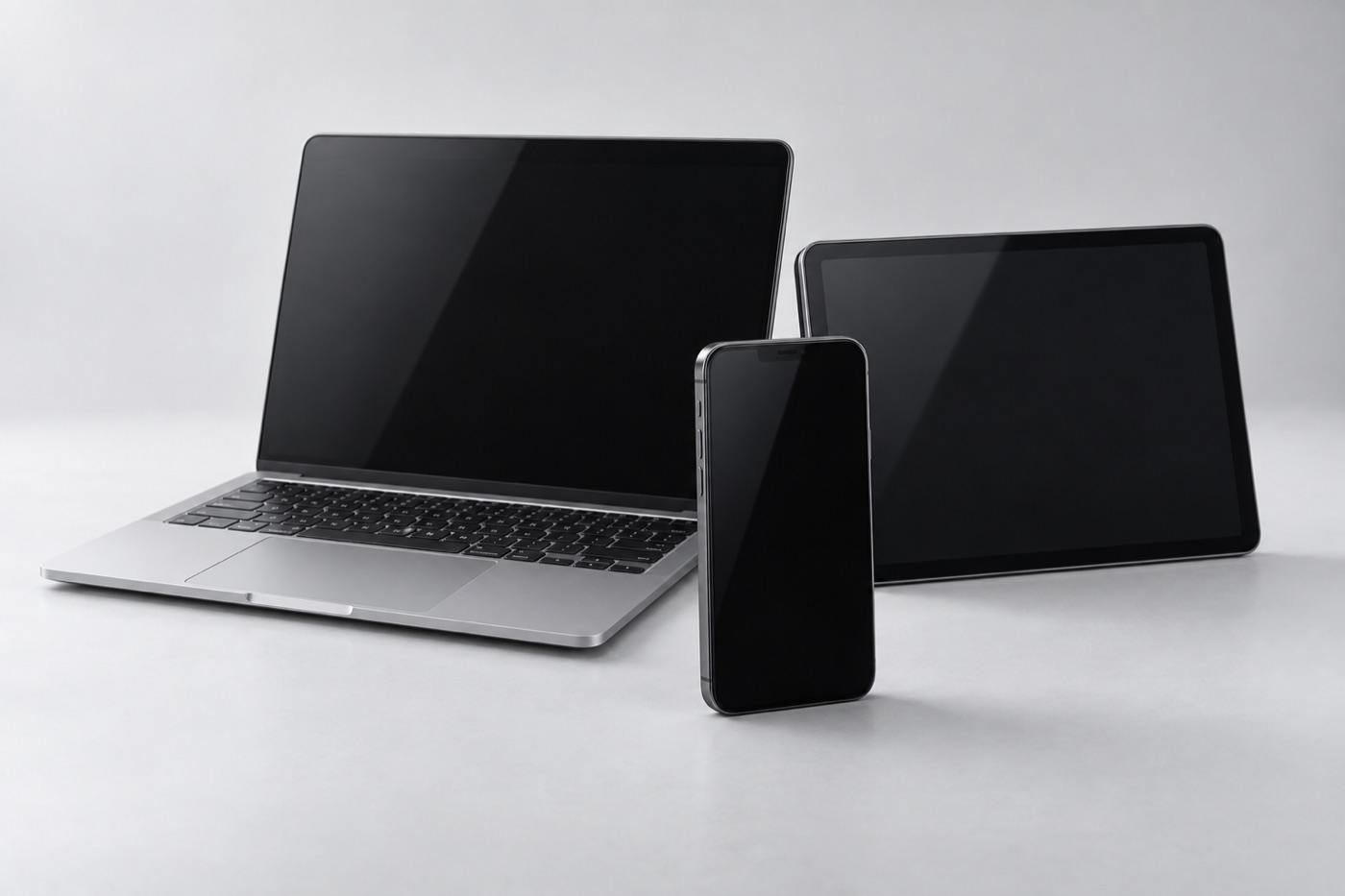
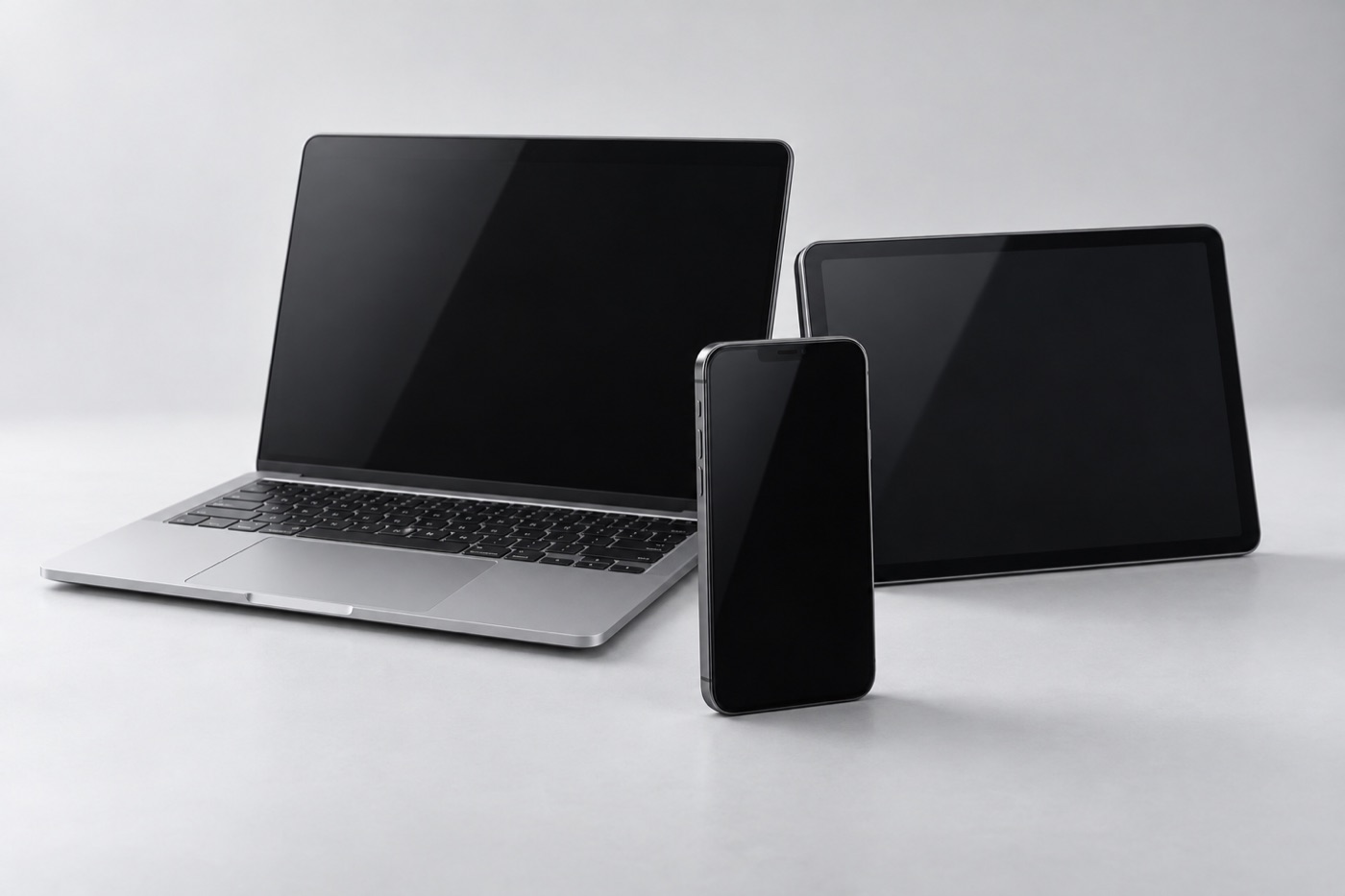
What should you tell us about your computer?
Tell us what you’ve noticed: maybe it won’t turn on, runs slowly, makes unusual noises or has a damaged screen or keyboard. Let us know about any spill or drop, and whether it started after an update or a new program. If the charger isn’t damaged, bring it along so we can check charging too.
You don’t need an appointment. If you book online, choose “Laptop / desktop” as the brand and add the model if you know it. Describe the problem in the “Anything else we should know?” box, and we’ll reply during store hours.
Which repairs and upgrades do we offer?
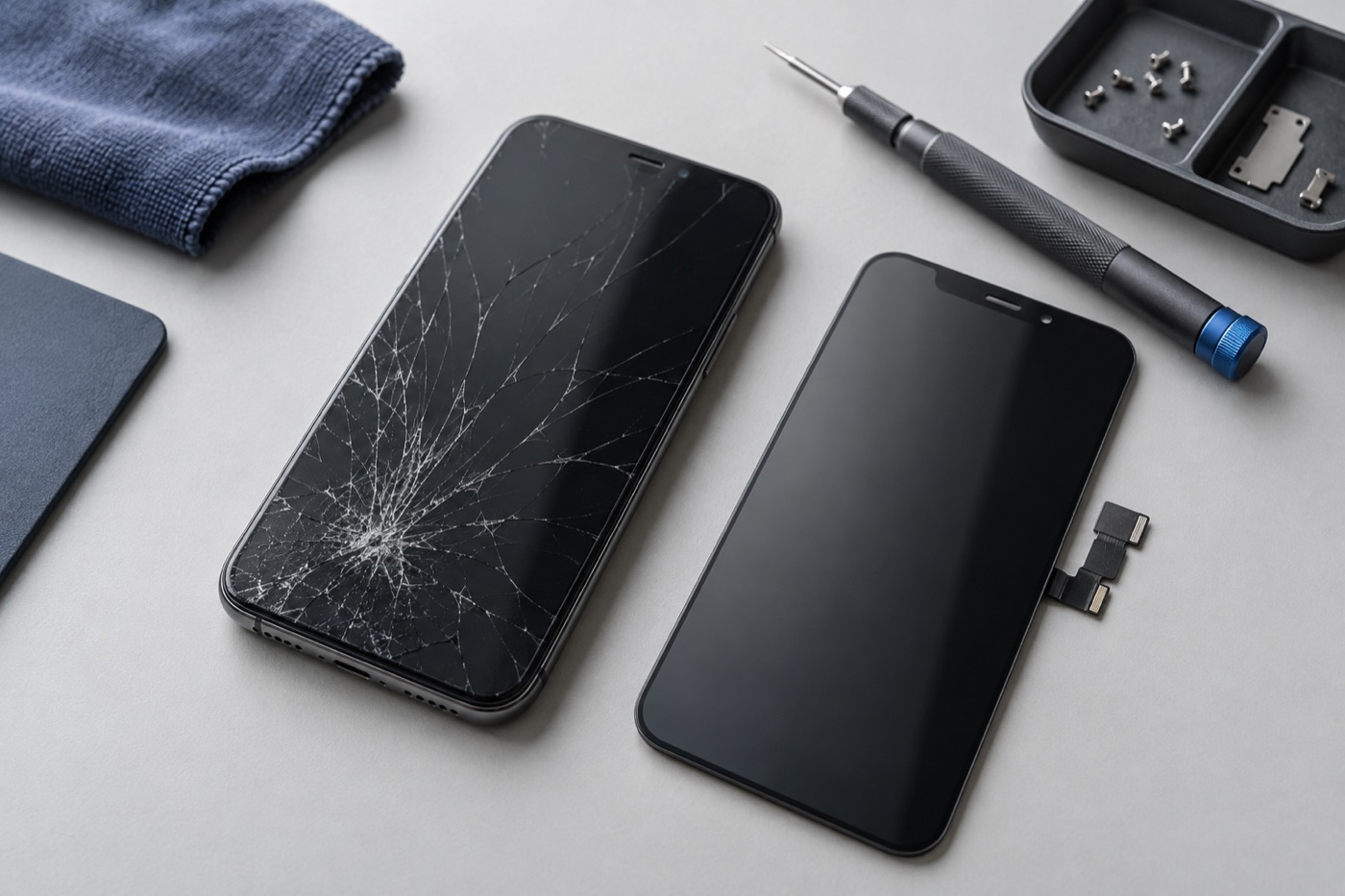
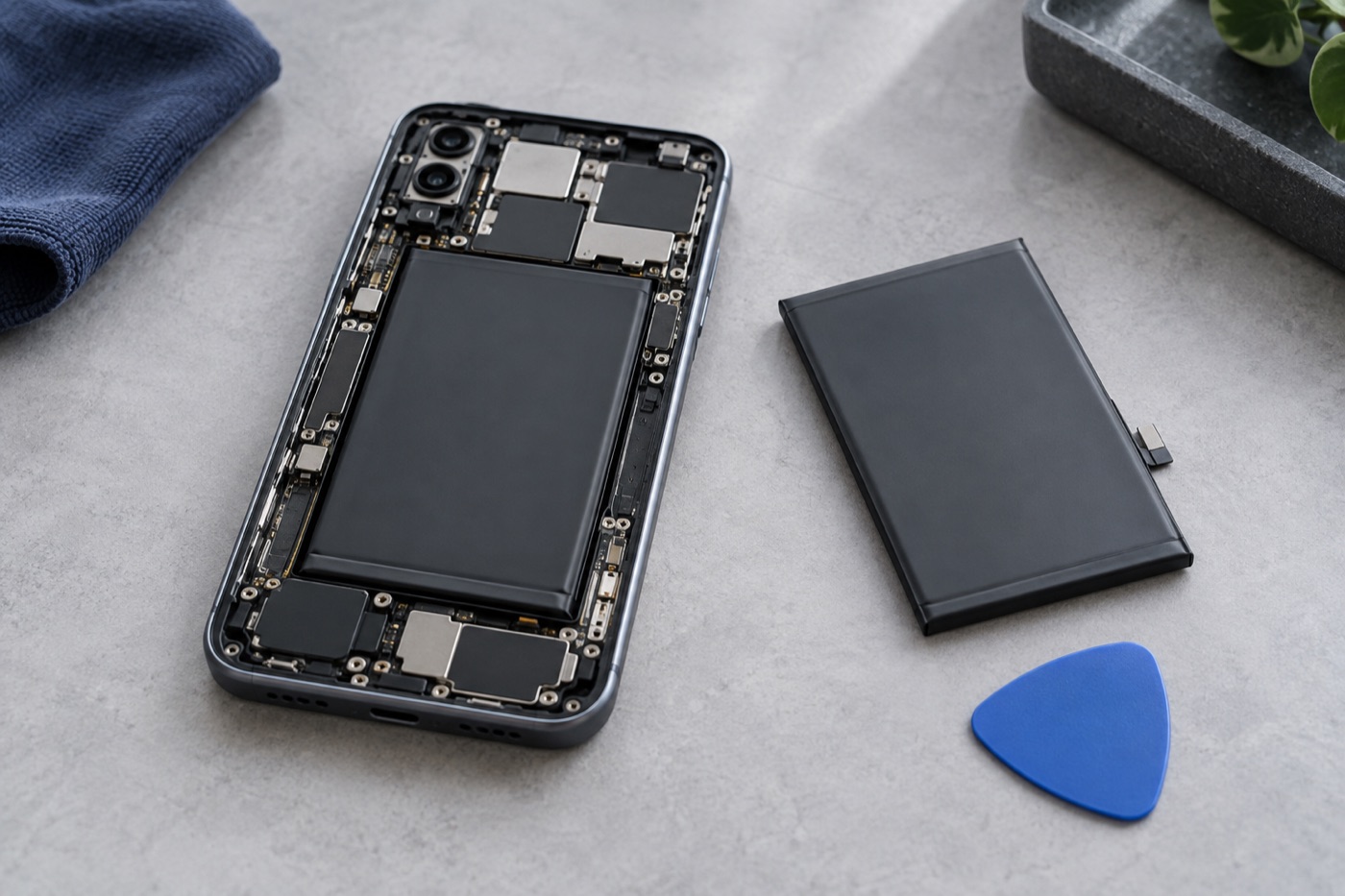
We look at cracked or faulty screens, keyboards, batteries, charging problems and computers that won’t start. On some models, adding memory or a faster storage drive may help an older computer that feels slow. Before suggesting an upgrade, we check what fits your model and the computer’s overall condition.
We’ll explain what’s possible, so you can decide if it’s worth doing.
How can you protect your files?
If the computer is safe to use, back up your important files to an external drive or a cloud account before you bring it in. If you hear new clicking or grinding sounds, turn it off, because restarting it again and again can make things worse. If your files matter most, tell us before any work starts.
Whether files can be copied from a damaged drive depends on its condition, and we can’t promise every file, program or setting can be saved. For backup steps, see Apple’s guide to backing up a Mac with Time Machine or Microsoft’s Back up and restore with Windows Backup.
How much does it cost, and how long does it take?
Diagnosis is free. After we check your computer and see which parts are available, we tell you the price and how long the repair should take. Work only starts once you agree, and if we can’t fix it, you don’t pay a repair fee. The table below sums up what to expect.
Our warranty is 3 months on repairs and lifetime on screen work. Terms apply. Before you go ahead, ask us what’s covered for your repair.