Should I replace my iPad battery myself?
Replacing an iPad battery yourself is risky: Apple warns that opening an iPad may damage it or hurt you, and says only a trained technician should repair its battery. Check that the battery is really the problem first, and compare the full cost of a kit with a repair. Diagnosis at our stores is free.

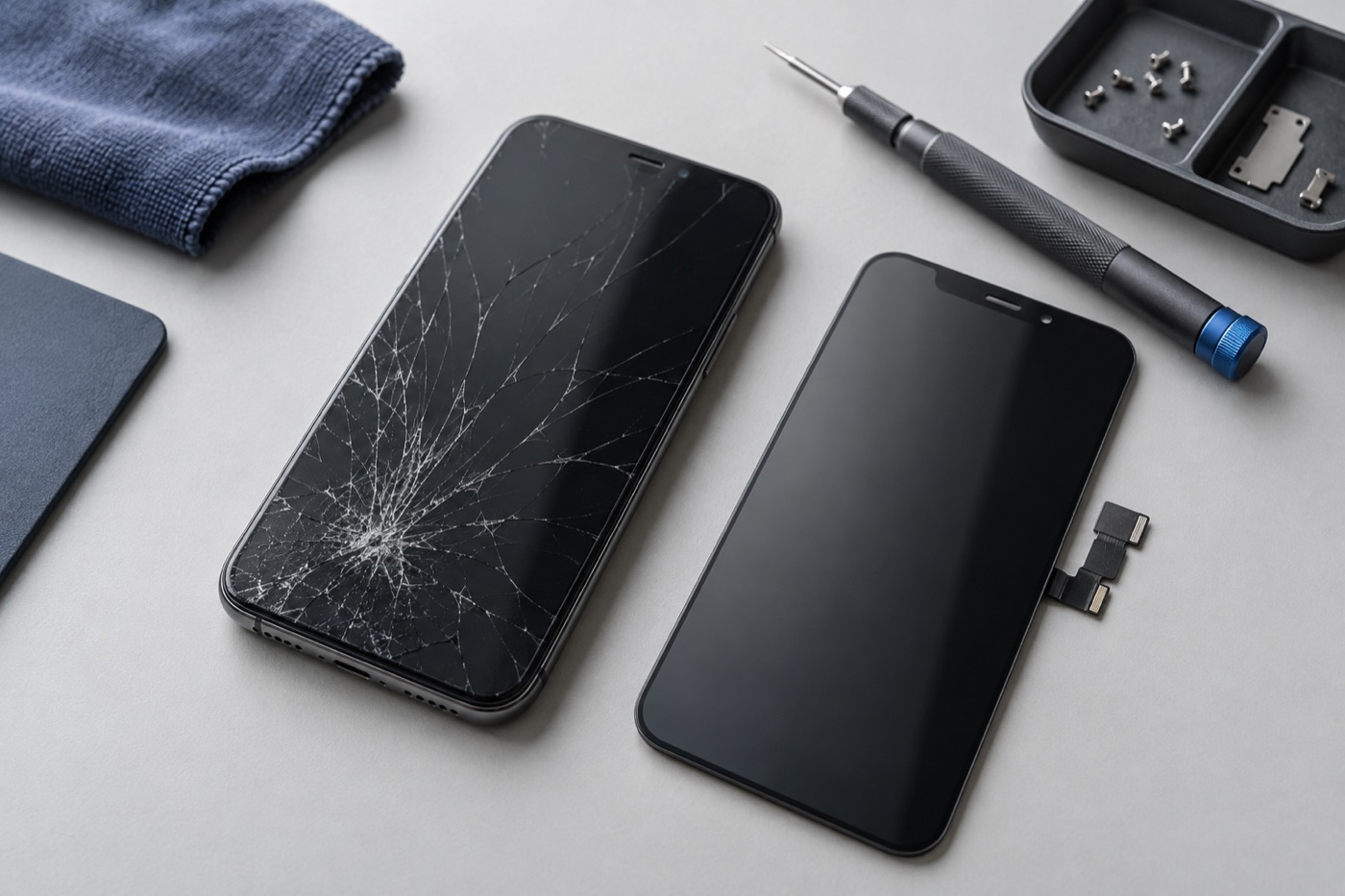
For illustration only
Is it really the battery?
Not always. Short battery life, charging trouble and sudden shutdowns can have other causes: an app can drain the charge, and a worn cable or charging port can stop it charging fully. Find out for sure before you spend money on a new battery. Bring your iPad in, and diagnosis is free.
Once we’ve checked your iPad and seen which parts are available, we’ll tell you the price and how long the repair should take. Work only starts once you agree. If we can’t fix it, you don’t pay a repair fee.
What are the risks of doing it yourself?
Apple’s iPad safety guide warns that taking an iPad apart may damage it or hurt you, and says only a trained technician should repair an iPad battery. A damaged battery can overheat, catch fire or hurt someone, so never puncture or crush one, and don’t open a swollen iPad yourself.
If your iPad looks swollen or the screen is lifting, stop using it and don’t charge it. Call a store before you bring it in, and we’ll talk you through carrying it safely.
How does the full cost compare?
A battery kit can look cheap online, but the part isn’t the whole cost. You need the right battery for your exact iPad model and the right tools, and if something else breaks while the iPad is open, that’s another repair to pay for. The table below sets the two options side by side.
| Doing it yourself | At Fix4You Cellular | |
|---|---|---|
| Finding the cause | You work out whether it’s the battery | Free diagnosis first |
| The right part | You find a battery for your exact model | We check which parts are available |
| Tools | You buy them | Part of the repair |
| Warranty | Depends on the kit seller | 3-month repair warranty, terms apply |
| Safety | Apple warns it may damage the iPad or hurt you | Done by our technicians |
Whichever shop you choose, ask which part they’ll use, what the price includes and what warranty applies. Feel free to ask us the same questions before you agree to anything.
What should you do before your repair?
If your iPad is safe to use and isn’t swelling, back up your photos and files first. Bring your usual charger and cable if they’re undamaged, and tell us your iPad model if you know it, plus when the problem started. There’s no need for an appointment at any of our three stores.
Our stores are open 7 days a week. Or book online with the store and time you prefer, and we’ll reply during store hours to confirm. Can’t get to a store? Ask about mail-in repair. We’ll confirm it suits your iPad and agree on shipping, costs and handling before you send anything. Don’t ship it if the battery is swollen or damaged. Call a store first.
Get help with your device
See our repair options or send a repair request.
Further reading
Still stuck?
Tell us what you noticed and what you’ve already tried. Visit any of our three Vancouver stores, open 7 days a week. Diagnosis is free, and we agree on the price with you before any repair starts. If we can’t fix it, you don’t pay a repair fee.